IPTV stands for Internet Protocol Television: TV delivered over the same internet connection you use for email and video calls, instead of through a cable, a dish or an aerial. Services such as Pillar IPTV use it to bring live channels and on-demand content to the screens you already own. This guide explains the mechanics, so the rest of the setup makes sense.
If you are weighing it up against your current package, our cost comparison with cable puts numbers on it.
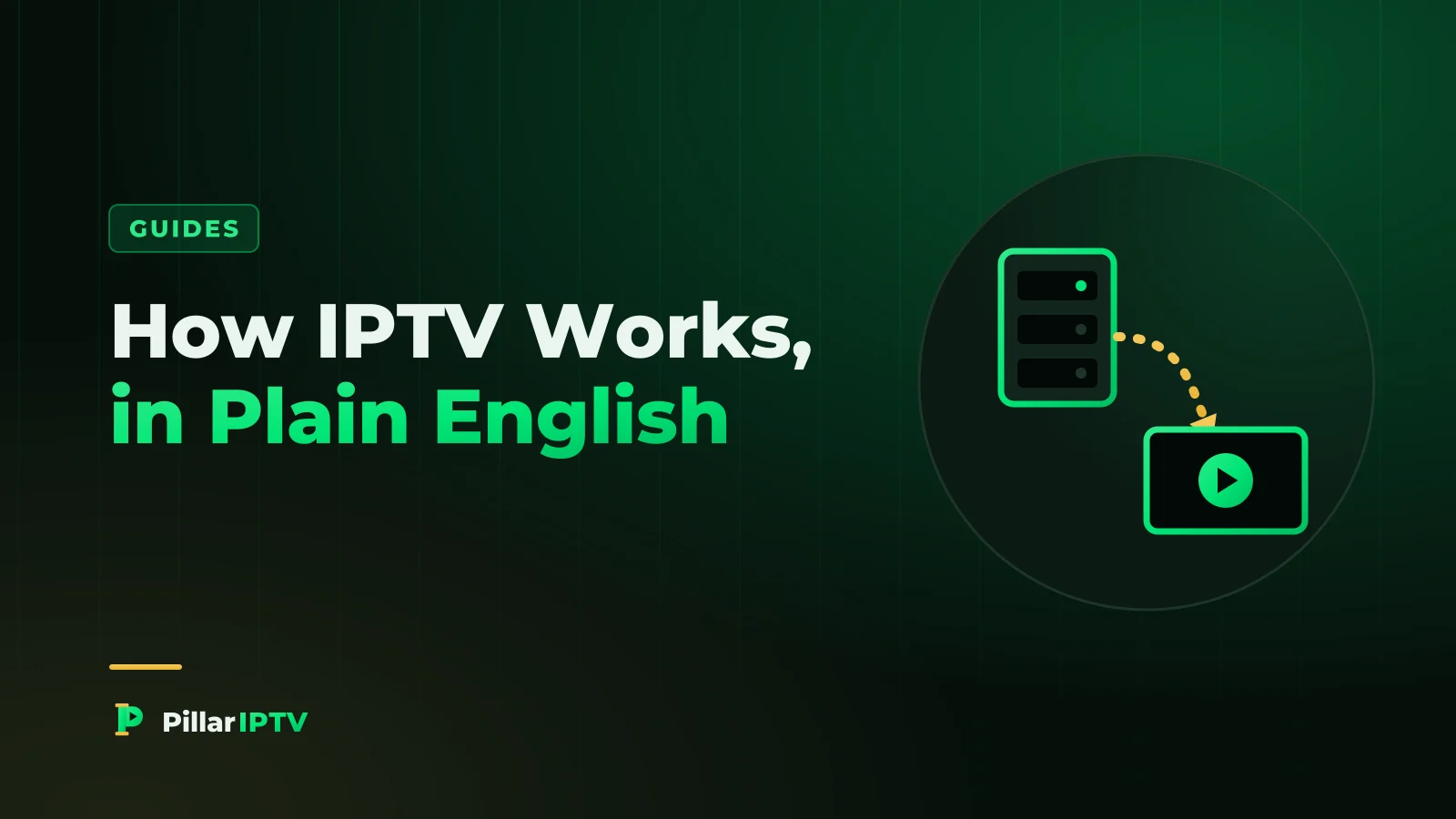
The journey from channel to screen
Every time you choose a channel, roughly this happens in a second or two:
- A broadcast is turned into a digital video stream on a server.
- Your player app asks the server for that stream, quoting your login.
- The server checks the login and how many screens you are already using.
- The stream travels over the internet to your home, in small chunks.
- Your device decodes the chunks into pictures and sound, keeping a few seconds in reserve (the buffer) to smooth over small hiccups.
What replaces the cable box: a player app
With cable, the box does everything. With IPTV, a player app on a device you already own does the same job: it shows the channel list, the guide and the on-demand menus, and plays the streams. Smart TVs, streaming sticks, phones, tablets, computers and set-top boxes can all run one. The player app comparison explains how the popular apps differ.
What replaces the installer: a login
Instead of an engineer visit, you receive a login: a server address, a username and a password. Typed into the player, it unlocks your subscription on that device. The login details explainer breaks down each part.
Live TV, on demand and the guide
- Live channels play as they are broadcast, grouped by country and theme.
- On-demand films and series start whenever you choose and can be paused and resumed.
- The programme guide (EPG) is a separate data feed of listings that the app lays out as a grid, just like a cable guide.
- Catch-up, where a channel offers it, lets you go back to programmes that have already aired.
Connections: why the number of screens matters
A cable package is tied to boxes. IPTV is tied to simultaneous streams, called connections. You can sign in on as many devices as you like, but only as many can play at the same moment as your plan allows. PillarIPTV plans come with one, two or three connections; the multiple connections page helps you choose.
What your internet has to do
Because the picture arrives over the internet, the connection matters more than anything else. As a rule of thumb, allow around 10 Mbps for an HD stream, 15 to 20 Mbps for Full HD and 25 Mbps or more for 4K, for each screen playing at once. Stability counts as much as speed: a wired connection or strong 5 GHz Wi-Fi beats a fast plan with a weak signal.
IPTV, streaming apps and cable compared
- Cable or satellite: live channels through a dedicated box, usually on a contract, often with equipment rental.
- Streaming apps (OTT): a single company’s own catalogue in its own app, mostly on demand.
- IPTV: live channels plus on-demand content through a player app of your choice, on a subscription with no box to rent.
Is IPTV legal?
IPTV is a delivery technology used by broadcasters and telecom companies around the world, and the technology itself is ordinary. Whether a particular service is lawful depends on the rights it holds for its content and on the rules where you live, so check your local regulations.
Seeing it for yourself
Reading about IPTV only gets you so far. The PillarIPTV free 24-hour test lets you try live channels, the guide and on-demand content on your own TV and connection, with no card required.
Frequently asked questions
How does IPTV work in simple terms?
A server sends TV channels as video streams over the internet. A player app on your TV, stick, phone or computer signs in with your login, receives the stream and plays it.
Do I need a special box for IPTV?
No. Most smart TVs, streaming sticks, phones, tablets and computers can run a player app. Set-top boxes such as MAG work too.
Does IPTV use a lot of data?
Yes, video is data-heavy. Full HD can use several gigabytes an hour, so a home broadband plan without a strict data cap is best.
What is the difference between IPTV and streaming apps?
Streaming apps show one company’s catalogue, mostly on demand. IPTV brings live channels from many broadcasters plus on-demand content into one player app.